


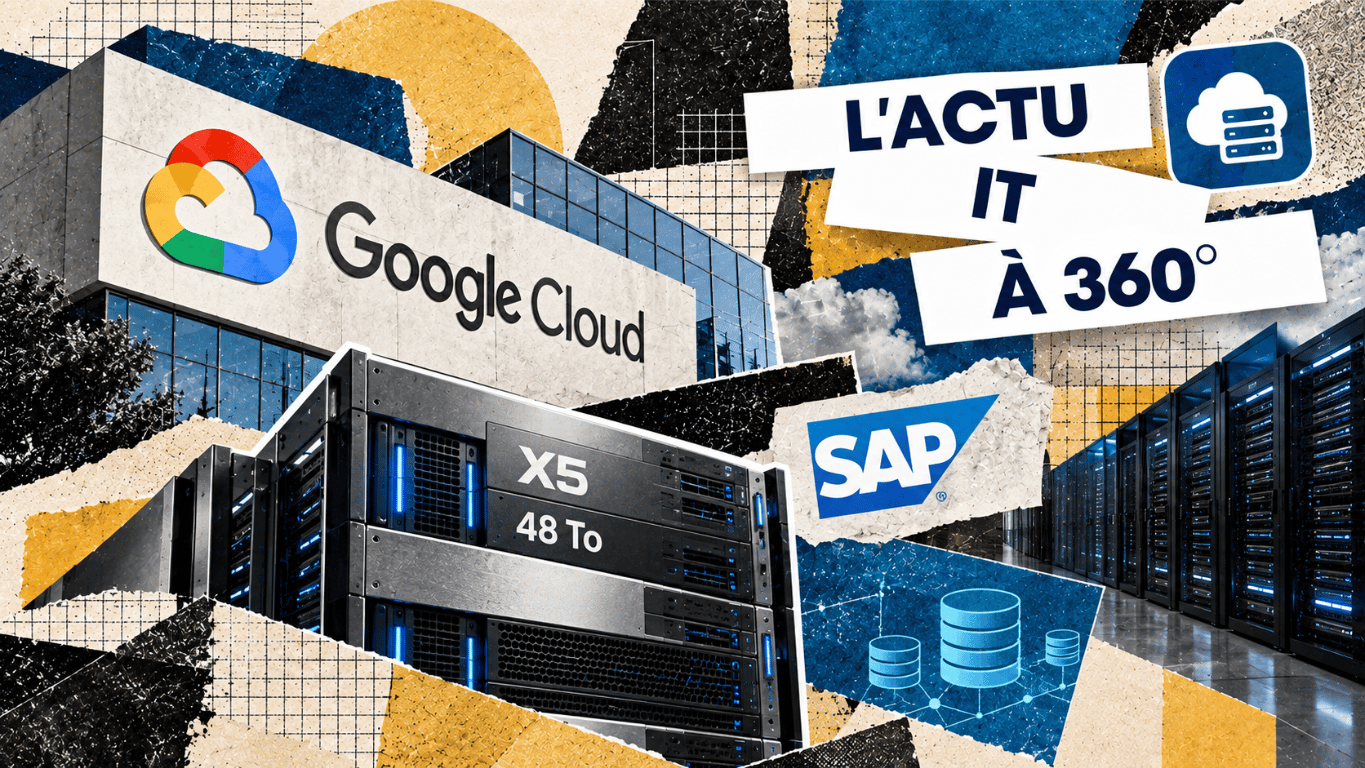
Google Cloud has announced the general availability of the X5 series, which raises the maximum advertised memory capacity on a single node to 48 TB, compared with 32 TB for X4.[1] Aimed in particular at very large SAP HANA databases, the offering is based on bare metal instances.[2] For the companies concerned, the decision will need to weigh capacity, service continuity and total cost.
The memory ceiling rises by half
The Compute Engine release notes of 25 September present a 50% increase in the memory ceiling compared with X4. Google highlights the ability to grow critical SAP HANA databases and RISE with SAP environments on a single node.[1]
This increase concerns RAM, which is used during processing. It is neither disk storage capacity nor an automatic 50% speed-up for applications. The announcement provides no performance results from which such a gain could be inferred.
Bare metal servers integrated into Compute Engine
The technical classification matters: X5 gives access to the server’s physical resources, without a hypervisor provided by Google. Simply talking about 48 TB VMs would therefore hide an operational difference from a conventional virtual machine.[3]
The X5 family uses the Intel Granite Rapids platform and offers predefined configurations. The documentation states up to 2,064 vCPUs and network bandwidth of up to 200 Gbps.[2] These ceilings describe available resources; they are not guaranteed application throughput.
The very large SAP size comes with a specific condition
The SAP certification page lists X5 configurations of 12, 16, 24, 32 and 48 TB. It specifies that the 48 TB model is available for SAP workloads managed by SAP under RISE with SAP.[4]
This condition should accompany the headline figure. A company preparing an SAP migration cannot infer from the general availability of X5 that every size is available in every operating model. It needs to have the model, operating system and support framework for its project confirmed.
Additional capacity for in-memory databases
SAP HANA is an in-memory, column-oriented relational database, designed in particular for real-time data analysis and processing.[5] Increasing the capacity of a single server, or scale-up, can allow a system to keep growing without immediately spreading its processing across several nodes.
The benefit, however, depends on the actual constraint. If a database is short of memory, a larger configuration may be an option. If delays stem from queries, storage access or exchanges with other applications, adding memory will not necessarily solve the problem. Sizing must start from workload measurements and expected growth.
What this development changes in infrastructure choices
Our reading of this announcement is that it broadens the options for consolidation in the cloud. An organisation may consider keeping a large database on a single node, but must compare this scenario with optimising the existing setup and with the other architectures supported by its application.
These sizes mainly concern very demanding environments. For SMEs, the lesson is not to systematically aim for the maximum configuration: it is to ask their integrator or service provider why a given capacity is needed and which alternatives have been examined.
Trade-offs to examine before a migration
This grid links a project’s needs to the checks required. It offers decision criteria, without assuming that a migration to X5 is the best option.
| Issue | Potential benefit | Question to settle |
|---|---|---|
| Memory capacity | Support database growth on a single node. | Has the need been measured after optimisation? |
| Service continuity | Keep an operable architecture during an incident. | What recovery objectives and tests are planned? |
| Migration | Adapt the technical foundation to the target workload. | Are storage, operating system and tools compatible? |
| Total cost | Compare several scenarios over the same period. | Does the estimate include standby, licences and operations? |
Maintenance and storage impose their own choices
X5 uses Hyperdisk, with no support for Persistent Disk or local SSDs. Live migration is not available and start-up can take up to thirty minutes. The offering is limited to certain regions and zones, and to compatible OS images.[2]
These constraints must be built into the migration plan and operating procedures. A team carrying over habits from another Compute Engine family risks underestimating the adjustments required. The useful test is to check that the application works, but also how it shuts down, restarts and is restored in the chosen configuration.
A larger node does not replace a standby architecture
Google’s guide to SAP HANA high availability describes, among other things, system replication to a secondary instance and failover mechanisms. Backups, for their part, are used to rebuild the database to a point in time.[6]
Three questions therefore need to be distinguished: how much data can the platform process, how long can the service be unavailable, and how much data loss is acceptable? Memory size mainly answers the first. The other two require an architecture and recovery tests.
The documentation refers customers to their Google Cloud sales contact for X5 pricing and ordering.[2] Without a comparable quote including standby resources, licences, storage and operations, it would be premature to present this capacity as a saving.
The cloud architect must justify every capacity choice
The evolution of these infrastructures strengthens the role of Cloud Computing in a company’s technical decisions. Professionals must be able to translate an application’s needs into suitable resources, then check that those resources meet availability and maintenance requirements.
This skill also requires reading certification conditions, identifying dependencies on the provider and comparing several scenarios against common criteria. An impressive memory ceiling is only useful if it meets a demonstrated constraint.
The professional’s value thus lies in the ability to explain a trade-off: why choose this size, how to ensure recovery and at what cost over time? This reasoning links infrastructure to business priorities and makes dialogue with service providers easier.
Maximum capacity becomes a starting point for sizing
With X5, Google Cloud opens up an additional option for organisations whose databases are reaching the limits of a single server. The migration decision, however, will have to rest on a broader case than memory alone: compatibility, testing, recovery and budget. The right question is therefore which architecture will support the expected growth with a verifiable level of service.
READ ALSO
These four CCCLX analyses take a closer look at cloud costs, data architecture and infrastructure capacity.
Google Cloud tackles the hidden bill of AI agents
Agentic Data Cloud: Google rethinks data for the age of AI agents
Databricks extends Delta Sharing to AI and aims to break down data silos
+80%: agentic AI triggers a record surge in enterprise SSD prices
Sources
- 01
Google Cloud (25 September 2026). “Compute Engine release notes, general availability of X5”. Announcement of the 48 TB memory ceiling and the capacity increase compared with X4.
- 02
Google Cloud. “Memory-optimized machine family for Compute Engine”, X5 and limitations sections. Configurations, capacities and operating constraints.
- 03
Google Cloud. “Bare metal instances”. How bare metal instances work in Compute Engine.
- 04
Google Cloud. “Certifications for SAP applications on Google Cloud”, X5 section and RISE with SAP condition. Certified SAP configurations.
- 05
Google Cloud. “SAP HANA planning guide”. Overview of the SAP HANA database and planning principles.
- 06
Google Cloud. “SAP HANA high-availability planning guide”. Replication, failover and backup of SAP HANA databases.

Salesforce wants to acquire Loops to help Tableau explain KPI changes
Salesforce has announced a definitive agreement to acquire Loops, an AI-based analytics platform, with the intention of integrating its technology into Tableau after closing.[1] The aim is to monitor metrics and bring out the factors associated with their changes. For...

Cisco and NVIDIA prepare 400 Gb/s-per-lane optical connections for AI infrastructure
Cisco and NVIDIA have announced a project for a pluggable optical form factor, USFP, capable of supporting 400 Gb/s per lane. Cisco is also unveiling the Silicon One G302 switching chip, rated at 51.2 Tb/s.[1] These announcements address a key challenge for AI...
A new year begins at CCCLX!
The Paris-Villejuif campus welcomes CCCLX students for a new year of learning, projects and experiences at the heart of 360° IT.

VMware HyperArmor strengthens hypervisor protection against cyberattacks
Broadcom has unveiled VMware HyperArmor, a solution designed to protect the ESX hypervisor of VMware Cloud Foundation, with announced support for ESX 8.x and later versions.[1] The stakes go beyond the security of a single application: the hypervisor is a shared...

SolarWinds Avior: IT teams set the goals and agents coordinate the actions
SolarWinds has launched Avior, an agentic AI system designed to pursue operational goals in hybrid IT environments. Available since 14 October as part of a guided onboarding programme, it combines specialised agents with control mechanisms.[1] For technical teams, the...

GitHub steps up vulnerability detection and remediation with AI Scan and Agentic Autofix
GitHub has announced the general availability of AI Scan for pull requests and Agentic Autofix for code scanning alerts.[1][2] These features bring AI assistance closer to the work of securing code. They do, however, operate on different scopes: proposed...

Cloudflare makes web security programmable with Workers
Cloudflare is bringing its secure web gateway closer to its Workers development platform. With Forward, available in public beta, businesses can add code to the processing of certain authorised HTTP requests.[2] For IT teams, this development opens up a...

Palo Alto Networks strengthens AI agent security around Claude Enterprise
PPalo Alto Networks has unveiled several updates to Prisma AIRS: protection of interactions with Claude Enterprise, analysis of the components used by agents and control of their exchanges with tools.[1] The stakes are concrete for businesses: preventing an assistant...

ServiceNow prepares AI Passport to control AI agents’ access rights
ServiceNow has announced AI Passport, a cryptographically signed authorisation credential designed to govern AI agents and MCP servers while workflows are running. It is scheduled to be available in the fourth quarter of 2026.[1] The image of a digital badge helps to...

SAP wants to acquire TechWolf to link tasks, skills and the transformation of jobs
SAP has announced an agreement to acquire TechWolf, an AI platform that links tasks, skills and changes in the labour market. Completion is expected in the fourth quarter of 2026, subject in particular to regulatory approvals.[1] The deal raises a practical...