


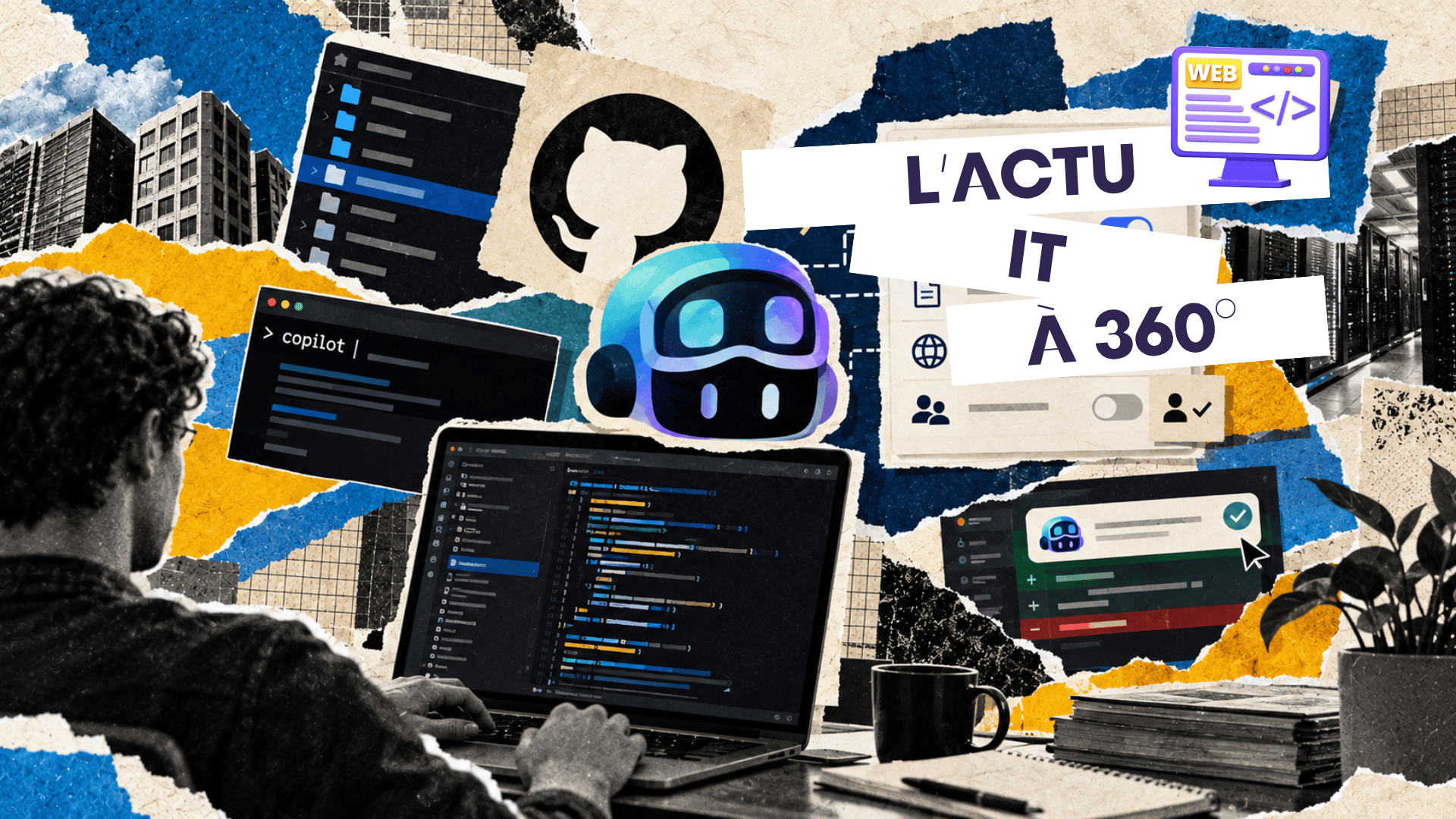
Copilot is no longer just there to suggest the next line
GitHub Copilot is continuing its transformation. Originally known mainly for completing code in the editor, the tool is now evolving towards agents capable of exploring a project, modifying files, using tools and running commands. This autonomy, however, changes the nature of the risk: letting an AI suggest a few lines of code is not the same as allowing it to interact with a developer’s file system, network or terminal. The updates published by GitHub between 8 and 10 September 2026 therefore signal a shift in priorities: alongside Copilot’s new capabilities, the company is significantly strengthening the mechanisms that let organisations define what their agents are actually allowed to do.¹ ²
The sandbox can now be managed across the enterprise
GitHub now lets administrators centrally configure the behaviour of the Copilot sandbox in JetBrains IDEs, a feature offered in public preview.¹ Policies can control, among other things, whether the sandbox is enabled, access to the file system and the network, proxy settings, the use of development tools and access to the macOS keychain. Above all, restrictions defined by the organisation take precedence over individual settings: a developer cannot simply change an option locally to get around a policy imposed by their company. GitHub is thus turning the sandbox from an individual protection mechanism into a genuine governance component of the developer workstation.
GitHub also controls what the agent can do, action by action
This approach goes further with the new enterprise managed permissions announced on 9 September. Administrators of GitHub Copilot Business and Enterprise can decide which agent operations are blocked, subject to human approval or allowed without confirmation.² These rules cover shell commands, reading and modifying files, and access to network domains. Managed restrictions cannot be weakened by user settings, workspace settings, an auto-approval feature or previously saved permissions. GitHub also makes it possible to apply different policies to different teams, offering a useful level of granularity when a backend developer, a security team and a group working on a sensitive environment do not have the same needs.
Giving AI a terminal also means setting it limits
This development has a direct bearing on Web Programming and Management. An agent with terminal access can potentially install dependencies, run scripts, modify files, call network services or use any resources reachable from the machine. GitHub itself points out that, without a local sandbox enabled, commands launched by Copilot CLI run with the user account’s rights and can therefore access any resources that user can access.³ The sandbox exists precisely to restrict access to the file system, the network and system capabilities. For development teams, learning to work with an agent is therefore no longer just about writing good prompts: they also need to understand which environment the agent runs in, what privileges it has and which technical boundaries stop it from going beyond its remit.
Chat can now understand a wider project context
At the same time, GitHub is improving Copilot’s understanding of projects in JetBrains. Developers can now add global files and folders to the chat context, automatically providing information that is useful across several requests without having to attach it manually to each conversation.¹ This becomes particularly relevant when changes affect several parts of an application: internal conventions, documentation, configuration files or architectural elements can remain available as cross-cutting context. GitHub is also adding cursor jumps between files to its next edit suggestions, making it easier to follow a series of coordinated changes across different areas of the project. The more Copilot understands an entire codebase, the more coherent its interventions can be, but the more companies must also control the information they allow into that context.
The terminal and the IDE are starting to work as a single agentic space
Another important development: a GitHub Copilot CLI session opened in the terminal can now be connected to the JetBrains IDE using the command /ide, in public preview.¹ The terminal session then gains access to the IDE’s context, including selections, diagnostics and file references. Developers can therefore start a task in their graphical environment and continue with an agent in the terminal without losing the project context entirely. This convergence shows how GitHub is seeking to move beyond the historical separation between editor, terminal and AI assistant: the agent is gradually becoming a layer able to move between the various tools of the development workflow.
Administrators can finally understand why Copilot is blocked
As policies multiply, a new problem emerges: when a Copilot feature does not work, is it a bug, a faulty local setting or a rule imposed by the company? GitHub is adding enterprise policy diagnostics to JetBrains to help developers and administrators identify the rules applied to their environment.¹ This kind of visibility may seem secondary, but it becomes essential in large organisations where several layers of policy can apply at once. Effective governance is not just about blocking an action: teams also need to be able to understand which rule applies and why, so that security controls do not themselves become an obstacle that is hard to diagnose.
Sensitive code can also be excluded from the AI’s context
The tightening of controls is not limited to the actions carried out by the agent. Since early September, the GitHub Copilot app and Copilot CLI also respect content exclusion policies configured at enterprise, organisation or repository level.⁴ Excluded files must not be used as context by Copilot, enabling companies to protect sensitive parts of their codebases in agentic workflows. This separation between what an agent can see and what it can do is becoming fundamental: governance of AI-assisted development must now cover access to context, command execution, file changes and network communications alike.
Agent autonomy is forcing GitHub to professionalise their governance
These new features are part of a deeper evolution of Copilot. In June, GitHub had already introduced local and cloud sandboxes to give agents isolated environments in which they can use tools, run commands and modify code.³ In September, the company is gradually adding the organisational layer needed to use these capabilities at scale: global model policies, content exclusions, agent permissions, a managed sandbox and centralised controls. GitHub also plans to bring Copilot Chat on github.com, the mobile experience and its cloud agent together under a common experience and policy from the end of September.⁵ AI-assisted development is thus entering a phase in which administering the agent is becoming almost as important as its generation performance.
Companies no longer just choose an assistant, they define its scope of action
This is a significant shift for CIOs and DevOps teams. With the first generation of AI programming tools, the main questions concerned the quality of the generated code or productivity gains. With agents, a new set of questions arises: which files can they consult, which commands can they run, which domains can they contact, which actions require human validation and which rules must be the same across the whole organisation? GitHub is gradually providing technical answers to these questions. The move from copilot to development agent therefore means more than greater autonomy: it brings with it a genuine security and governance policy around code produced with AI.
360° IT News — decoding technology to understand the jobs of tomorrow.
Further reading
This rise in controls becomes particularly important as agents become capable of working on ever larger projects. Read our CCCLX article “ Qwen3.8-Max reportedly coded alone for 16 days without human intervention ”, which examines how far a development agent’s autonomy can go when it is able to chain hundreds of actions on a software project.
References
1. GitHub. (2026). Enterprise-managed sandbox in Copilot for JetBrains.
https://github.blog/changelog/2026-09-08-enterprise-managed-sandbox-in-copilot-for-jetbrains/
2. GitHub. (2026). Enterprise managed permissions for GitHub Copilot agent operations.
https://github.blog/changelog/2026-09-09-enterprise-managed-permissions-for-github-copilot-agent-operations/
3. GitHub. (2026). Cloud and local sandboxes for GitHub Copilot now in public preview.
https://github.blog/changelog/2026-06-02-cloud-and-local-sandboxes-for-github-copilot-now-in-public-preview/
4. GitHub. (2026). Content exclusions generally available in Copilot app and CLI.
https://github.blog/changelog/2026-09-02-content-exclusions-generally-available-in-copilot-app-and-cli/
5. GitHub. (2026). Upcoming changes to GitHub Copilot policies and billing.
https://github.blog/changelog/2026-08-28-upcoming-changes-to-github-copilot-policies-and-billing/

AI propels Nokia: data centres are reshaping the networking market
The AI explosion is transforming the infrastructure market Nokia is reaping the full benefits of the rise of artificial intelligence and the proliferation of data centres that comes with it. In the second quarter of 2026, the company’s Network Infrastructure business...

Gemini 3.5 Pro delayed: Google under pressure in the AI race
The race for AI models is speeding up Google is going through a difficult period in the competition over advanced artificial intelligence models. According to several reports in the specialist press, the launch of Gemini 3.5 Pro has reportedly been pushed back by...

Project Glasswing: Anthropic goes on the offensive against software vulnerabilities
A new step for AI applied to cybersecurity Anthropic is pressing ahead with Project Glasswing, an initiative that makes its Claude Mythos Preview model available to specialist cybersecurity players in order to identify and fix vulnerabilities in critical software. The...

Cloud, AI, defence: AWS steps up on every front
AWS makes artificial intelligence a pillar of critical infrastructure At the AWS Summit Washington, D.C. 2026, Amazon Web Services unveiled several developments aimed at government departments, public bodies and critical sectors. The company is strengthening its...

MDASH: the AI helping Microsoft secure Windows
Microsoft hands part of the bug hunt to artificial intelligence Cyberattacks are evolving ever faster, forcing software vendors to detect vulnerabilities before they can even be exploited. To meet this challenge, Microsoft has unveiled MDASH (Microsoft Detection and...

Microsoft speeds up its cybersecurity with AI: defence moves to machine scale
Microsoft wants to regain the upper hand against cyberattacks Cybercriminals are now using artificial intelligence to discover vulnerabilities, automate their attacks and speed up their malicious campaigns. In response, Microsoft is pressing ahead with its Secure...

Free access to Claude Fable 5 extended as Anthropic holds off
A new generation of AI designed for specific uses OpenAI is changing its strategy with the launch of GPT-5.6, a new family of models made up of Sol, Terra and Luna. Rather than offering a single model capable of meeting every need, the company is now betting on a...

OpenAI bets on modular AI with Sol, Terra and Luna
A new generation of AI designed for specific uses OpenAI is changing its strategy with the launch of GPT-5.6, a new family of models made up of Sol, Terra and Luna. Rather than offering a single model capable of meeting every need, the company is now betting on a...

Anthropic’s AI is advancing at a pace that worries cybersecurity specialists
AI models cross a new capability threshold Barely a month after its launch, Claude Mythos Preview is already improving its performance. According to the latest tests published by the UK’s AI Security Institute (AISI), Anthropic’s model now beats its own results from...
Lumo AI 2.0 speeds up without sacrificing data protection
Proton wants to prove that a high-performing AI can also be private The artificial intelligence race is no longer played out solely on model performance. User trust and data protection are now becoming major differentiators. With Lumo AI 2.0, Proton is upgrading its...